Know why
it works.
Find inspiration, choose the right photos, and understand the composition and typography that give a design direction.
Learn the process behind slavagfx craft.
From your first idea
to a design that stands out.
Learn my creative process, Photoshop techniques, and the decisions behind the details. Then bring your own ideas to life.
31+hours of video
16sections, start to finish
44practice PSD files
Lifetimeaccess at your pace
01 / Beyond the finished poster
You can see the graphic you want to make. This is where you learn how to bring it together, one decision at a time.
Find inspiration, choose the right photos, and understand the composition and typography that give a design direction.
Practice cut-outs, retouching, shadows and light. Follow the steps in organized PSD files and see how the whole image changes.
Watch three full projects take shape, then explore practical guides to finding clients and setting your prices.
02 / Inside the course
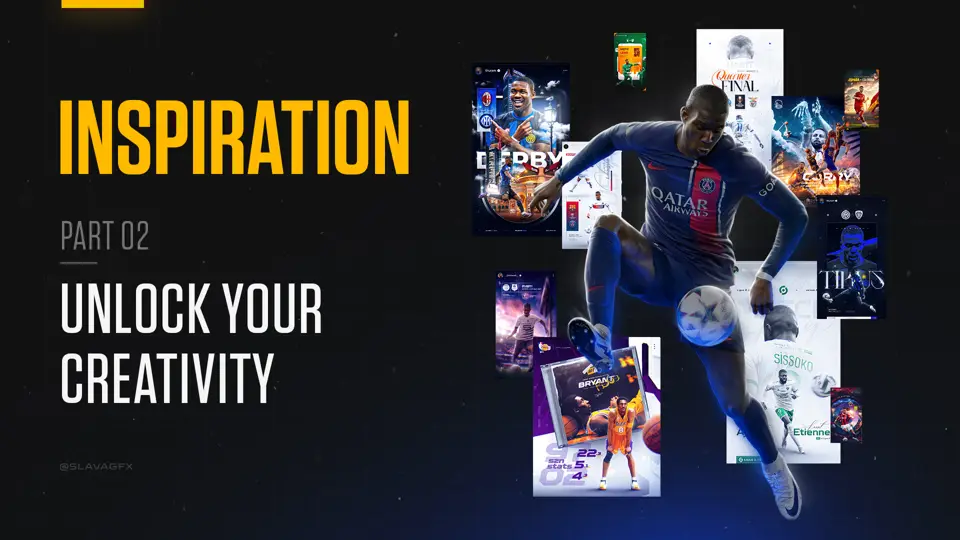 Inspiration1h 05m
Find the idea that makes the design yours.
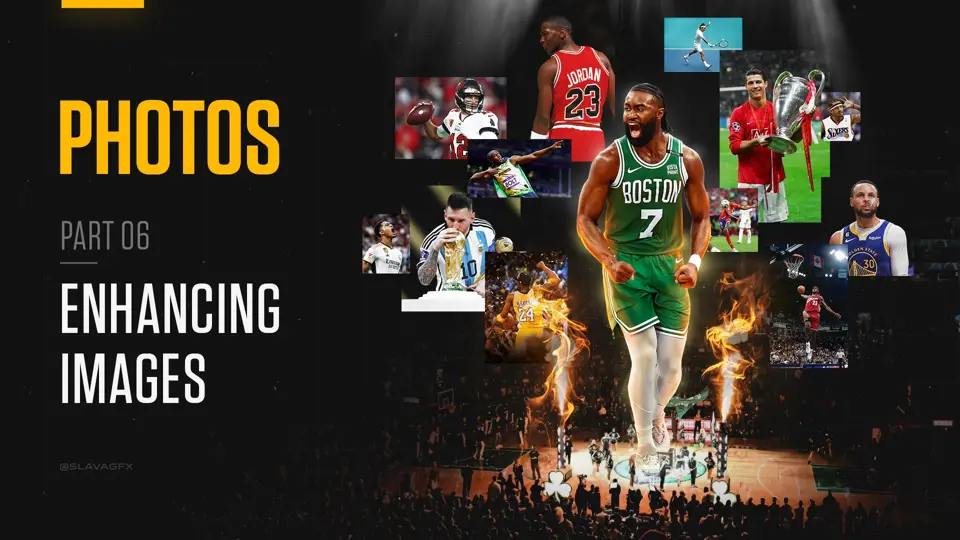 Photos44 min
Choose stronger source images and get them ready for your design.
Inside the PDF: Photo licensing, choosing photos wisely, and sources for downloading images.
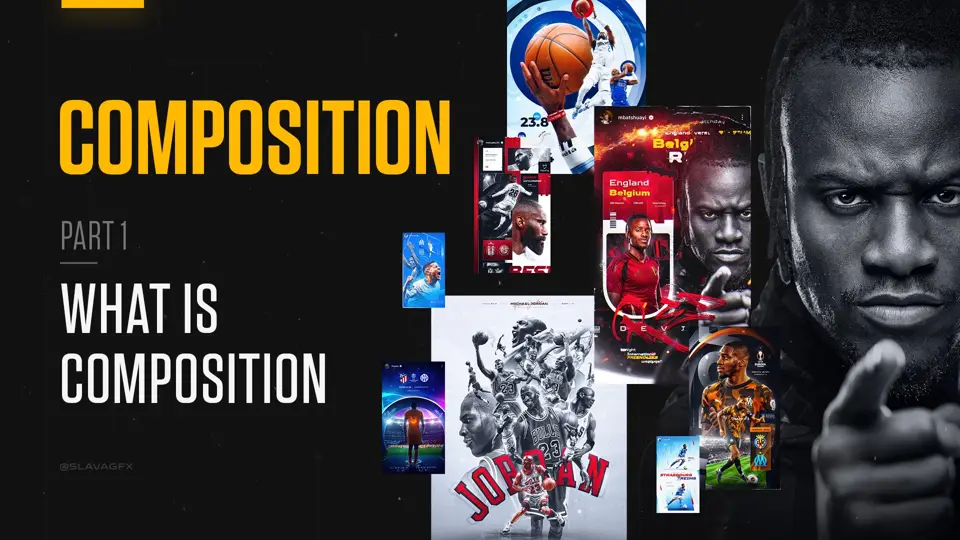 Composition1h 07m
Build a composition with purpose, hierarchy and a clear focal point.
Inside the PDF: What composition is, key elements of composition, and principles of composition.
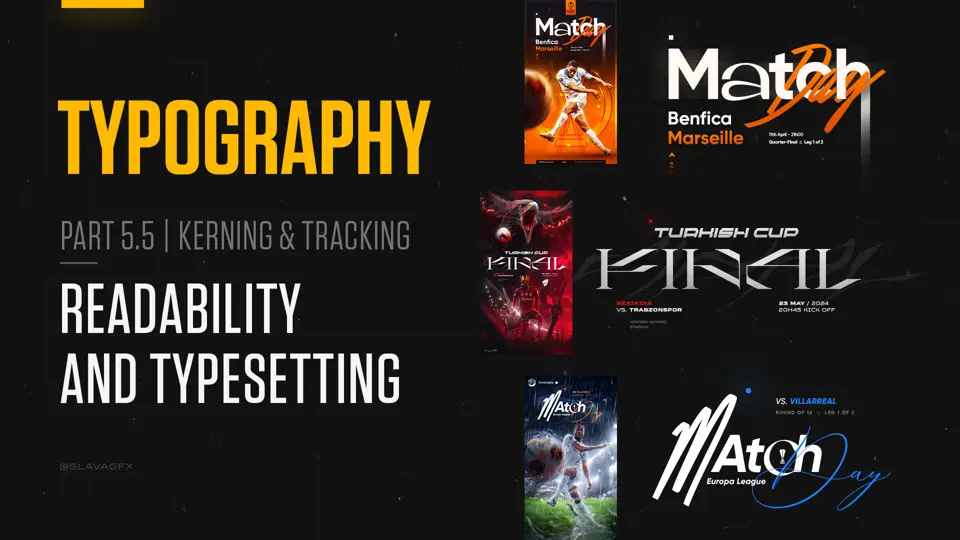 Typography29 min
Make type work with the image, from the font choice to the final spacing.
Inside the PDF: What typography is, the difference between a typeface and a font, type classifications, font file types, readability and typesetting, and font combinations.
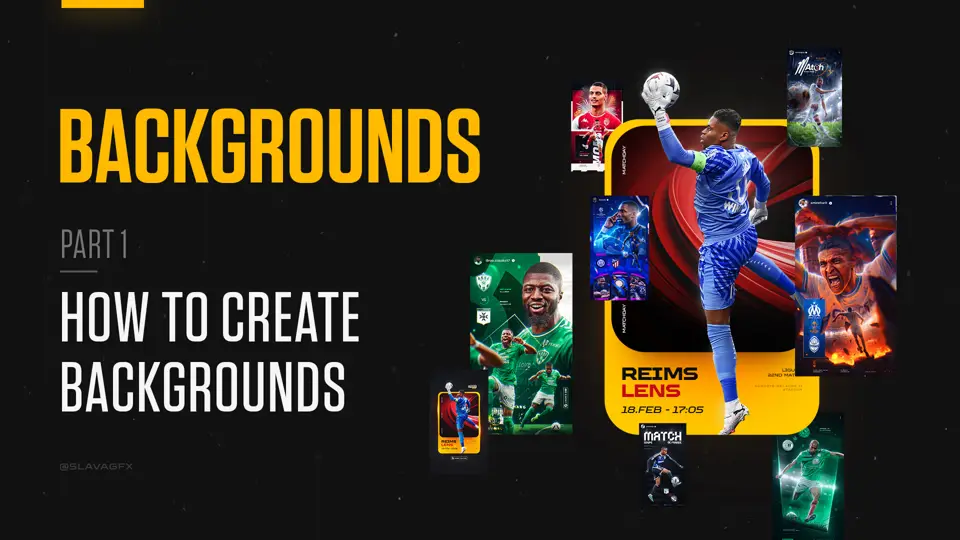 Backgrounds2h 04m
Build backgrounds that support the player, the story and the mood.
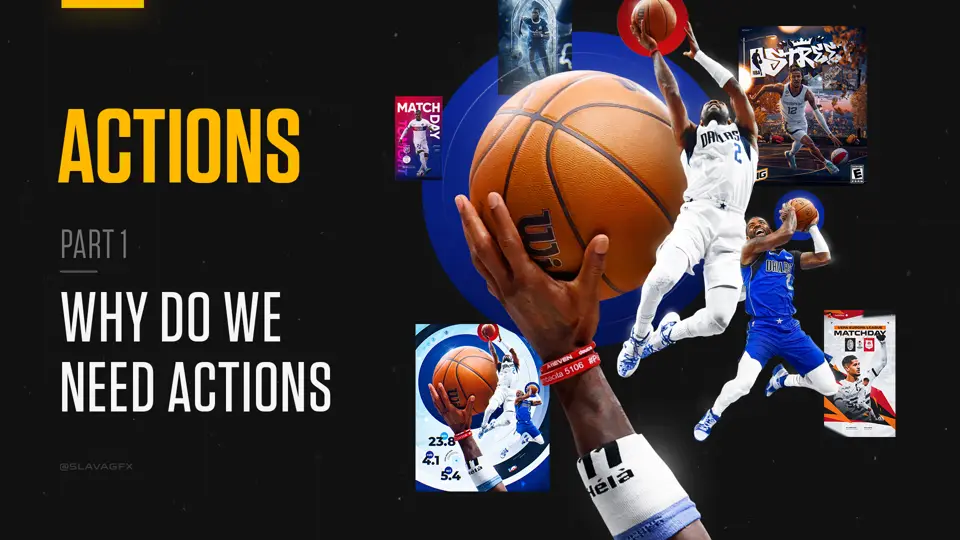 Actions14 min
Spend less time repeating steps and more time designing.
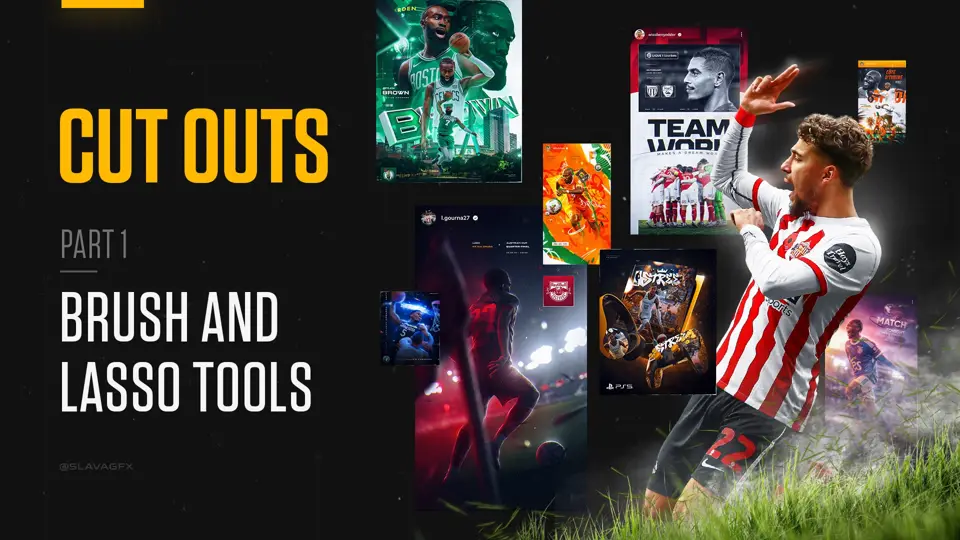 Cut-outs1h 25m
Make clean selections, including the hair that usually slows you down.
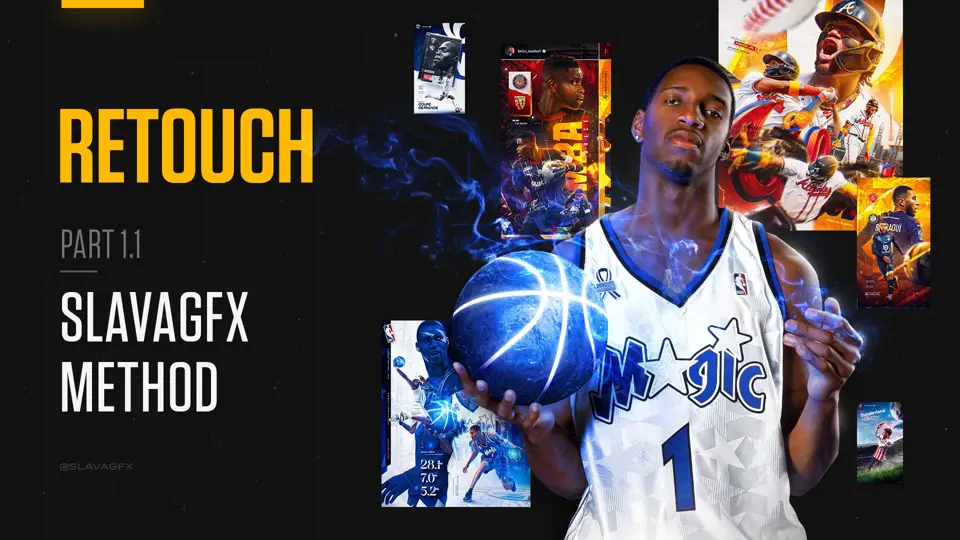 Retouch1h
Give your source photos a stronger foundation before you build the graphic.
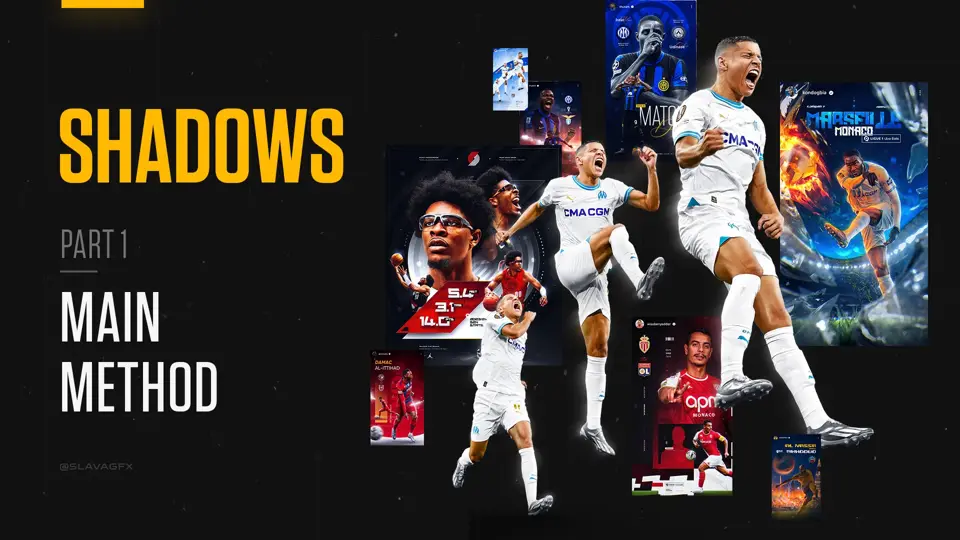 Shadows40 min
Ground your player in the scene with five shadow treatments.
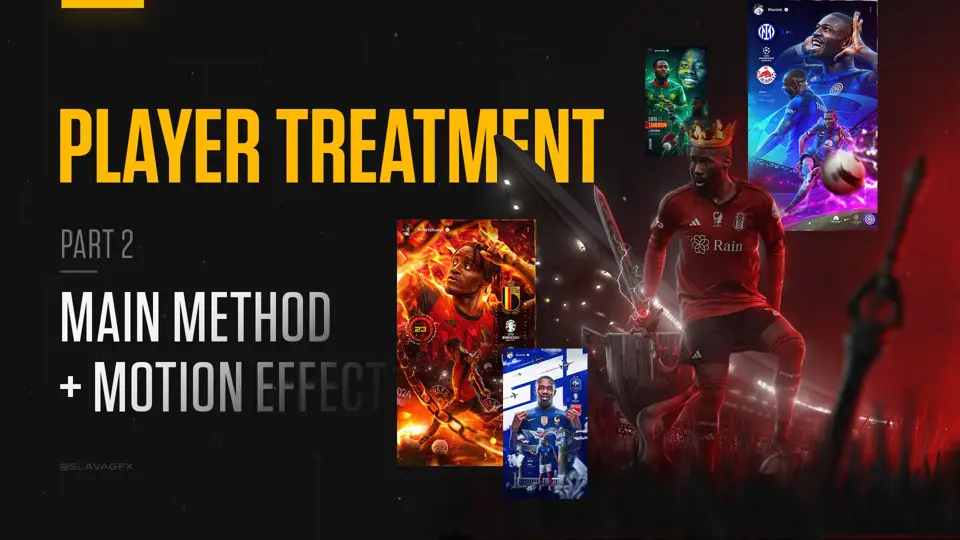 Player treatment1h
Adjust the player’s overall lighting and shadows with Exposure adjustment layers, then add glow behind the player.
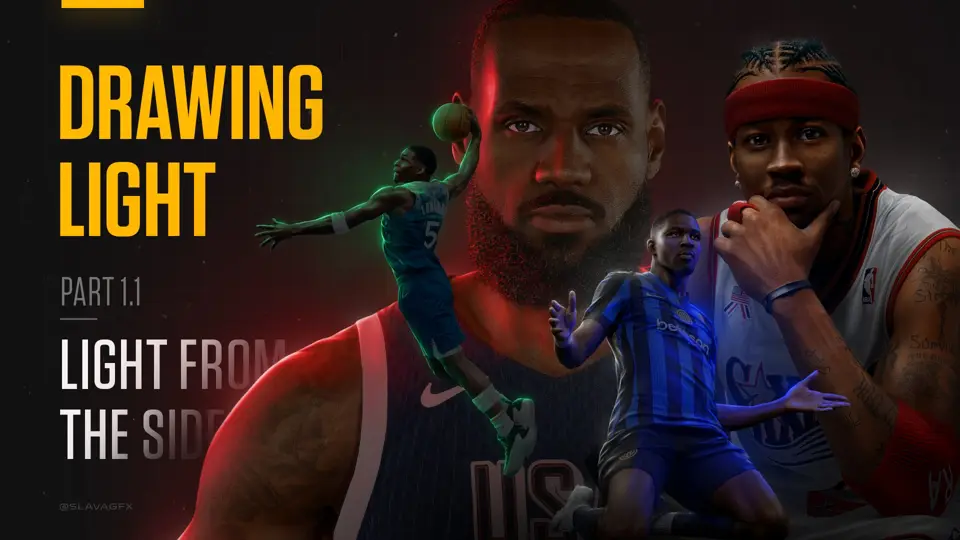 Drawing light4h 08m
Create rim light that brings form, depth and atmosphere to your subject.
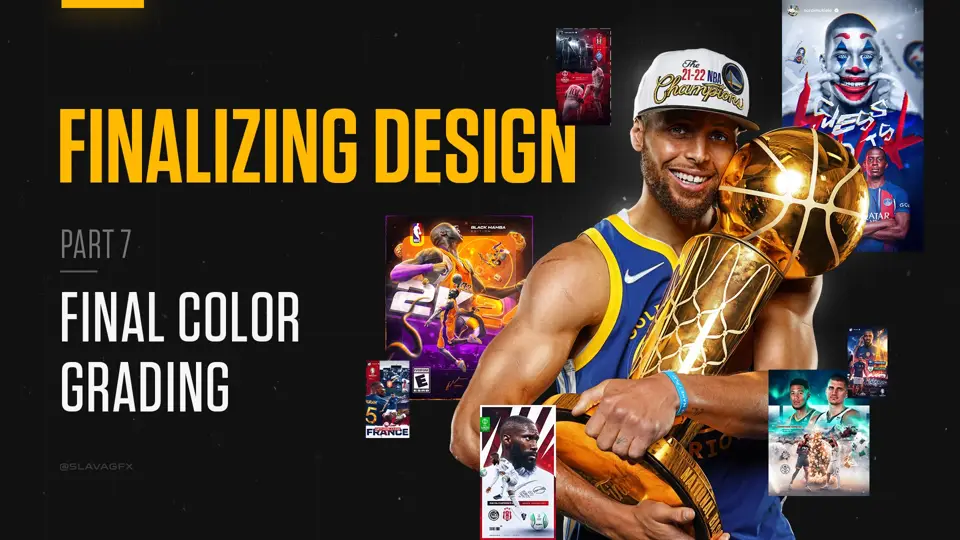 Finalizing the design1h 26m
Bring every part together with a deliberate final treatment.
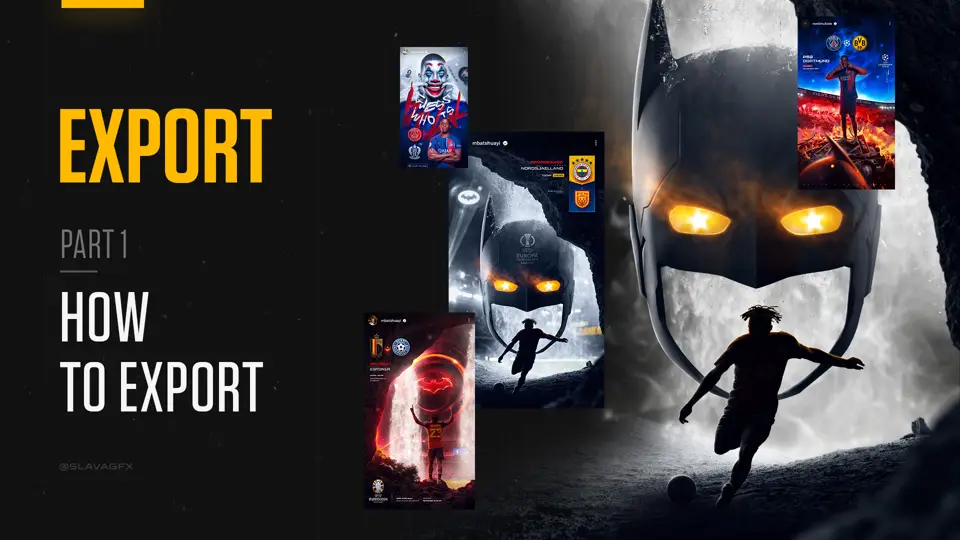 Export options10 min
Get the finished work out of Photoshop and ready to share.
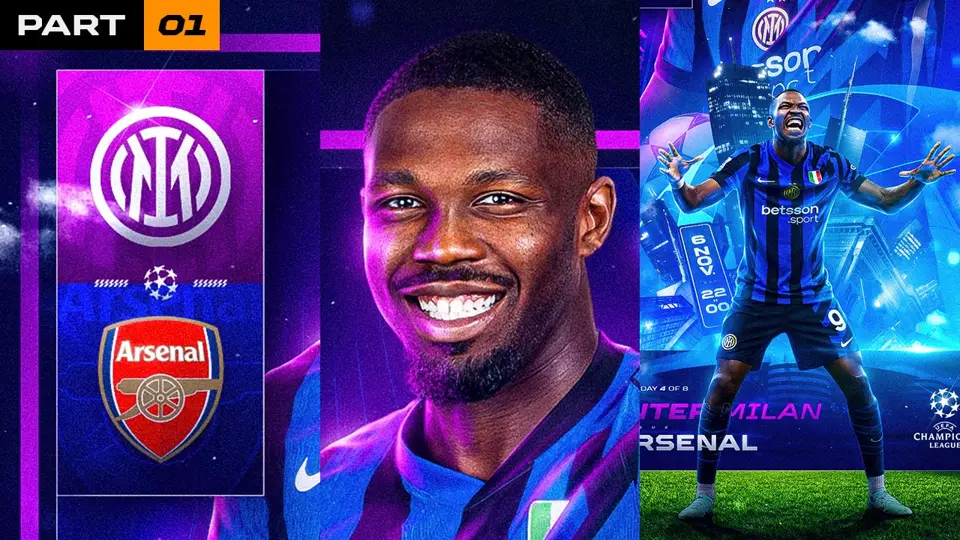 Full-process videos15h 50m
Follow three complete designs, from finding photos and inspiration to the very last touch.
Put your work in front of people who could become your next client.
Build a more considered approach to pricing your freelance work.
03 / Watch it all come together
16 hours of full-process lessons. From the first reference to the final touch, with the PSD and materials for each project so you can follow along with me step by step.
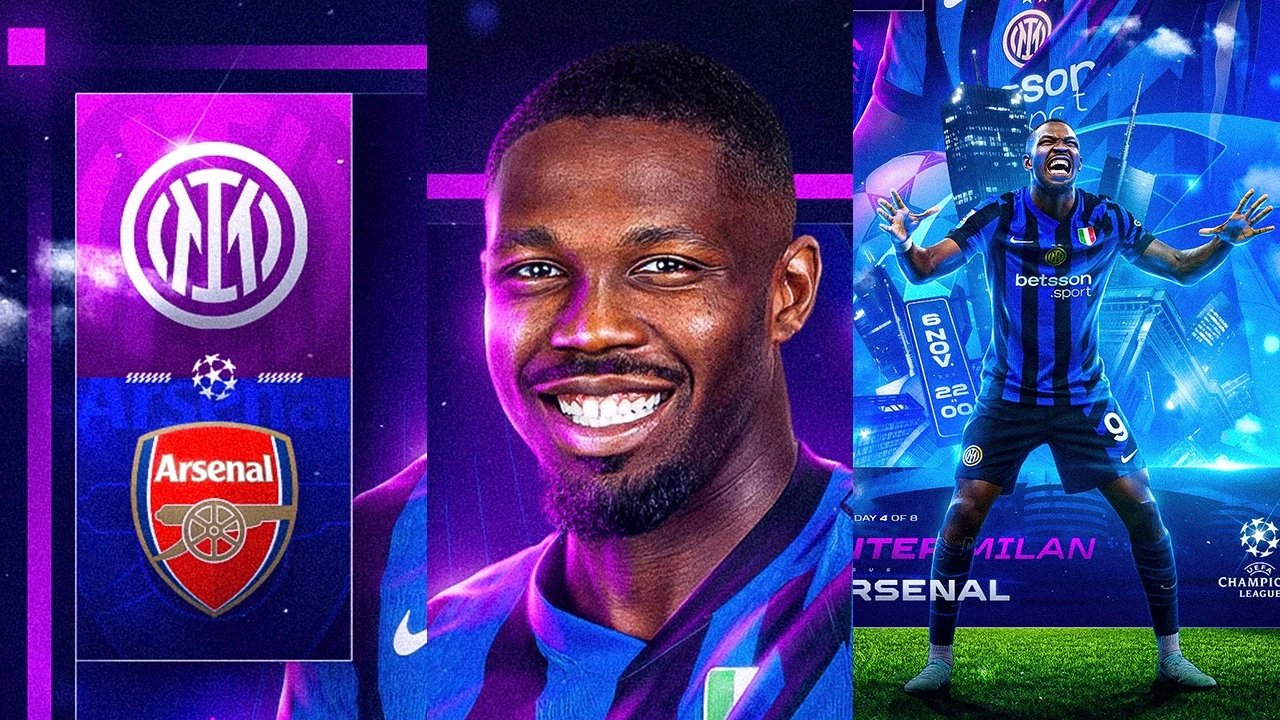
Build a layered sports graphic, following the choices that turn multiple elements into one composition.
PSD + project materials included
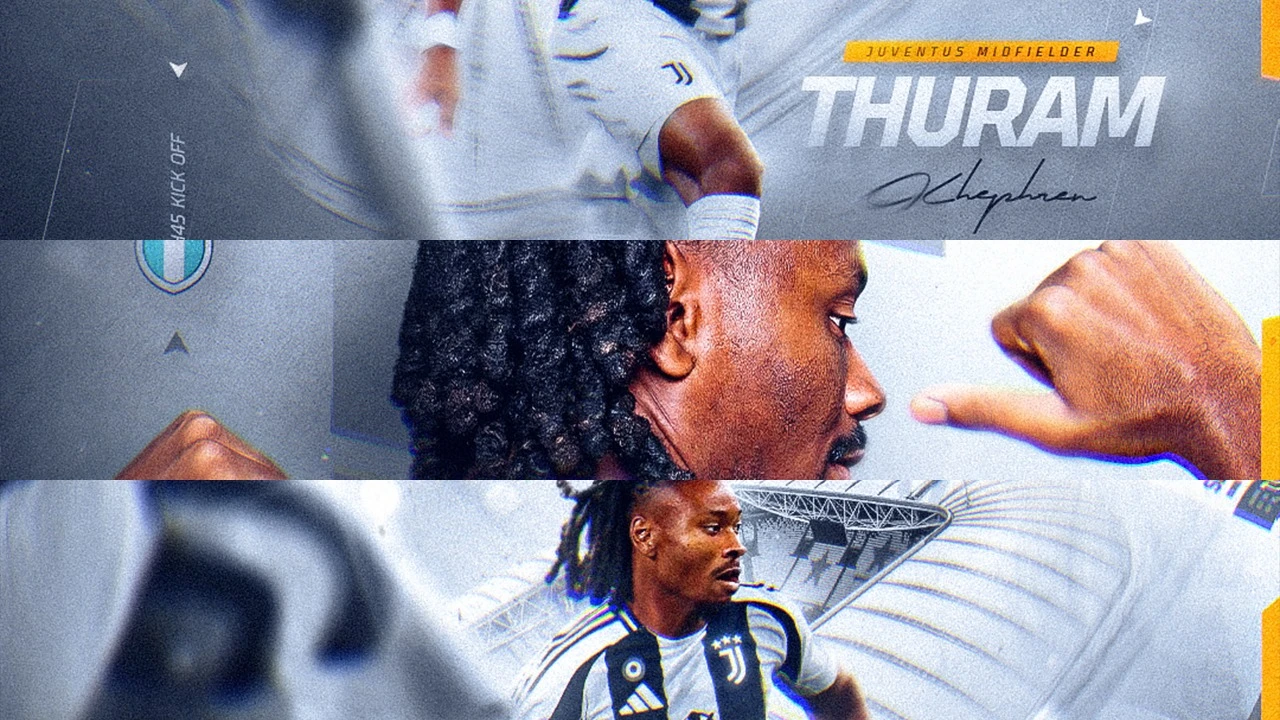
See how image choice, spacing and a restrained composition carry a design.
PSD + project materials included
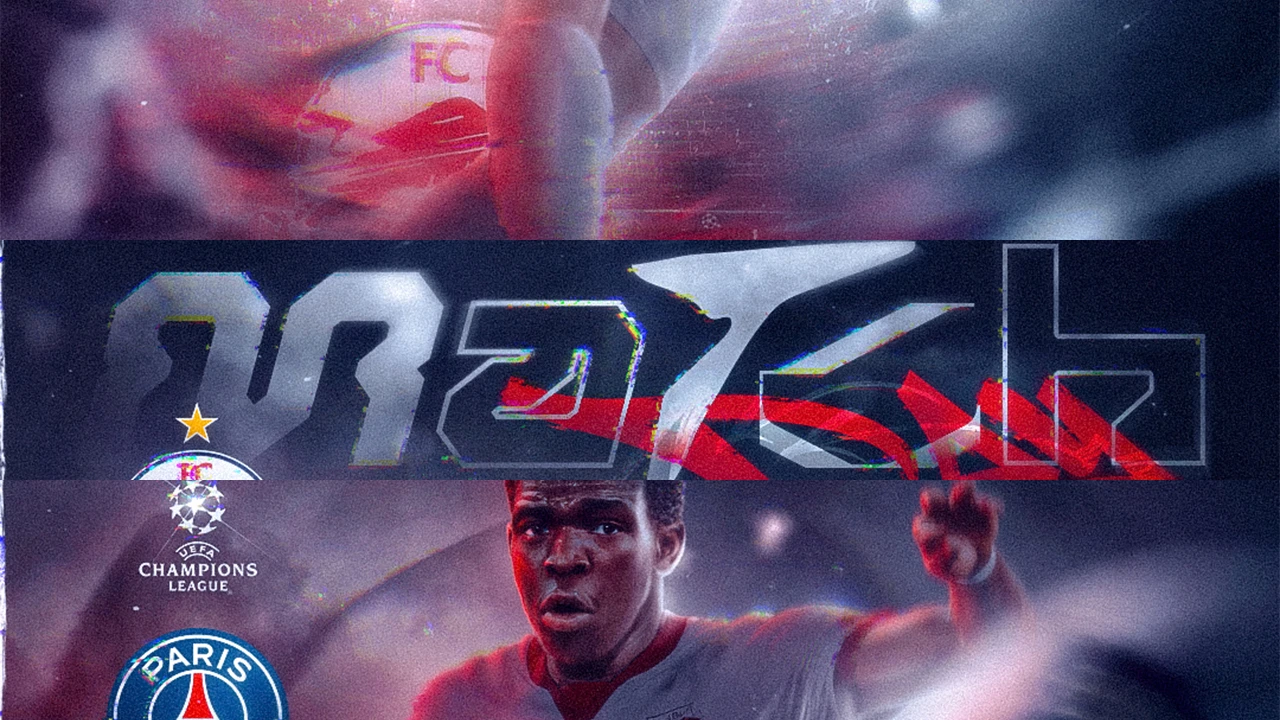
Create a darker mood with stylized matchday typography, light and atmosphere.
PSD + project materials included
New to the process? Start with the technique chapters, then follow the complete projects with a clearer understanding of each step.
04 / Get hands-on
Open the layers. Follow the lesson. Revisit the details when you get stuck. The practice materials are part of the learning.
Backgrounds, retouching, shadows, light, finishing effects and three complete projects.
Reference material for inspiration, photos, composition, typography, clients and pricing.
Clear voice-over guidance, from individual techniques to three complete design walkthroughs.
Open the organized PSD files and included materials. Recreate three designs, step by step, in three different styles.
05 / From the people learning
Real messages about the course and its individual sections. Open the original screenshots to read them in context.
Course feedback
Great composition course! Now I understand your words about “content ALL over the place”
Course feedback
you’re retouch course is insane what a difference I see with my previous ones and now 😂
Course feedback
I just finished your background course. It’s very detailed 🤌✨ and nicely done. Steps are covered through different graphics and style. Love it.
Course feedback
And by the way, I bought your backgrounds course. It helped me right from the start.
Course feedback
I just want to say thank you, your course has really helped me improve my skills. I've been there twice and I've already seen an improvement in my skills.
Course feedback
Slava i just wanna say thank you, your course is amazing, i’ve improved so much.
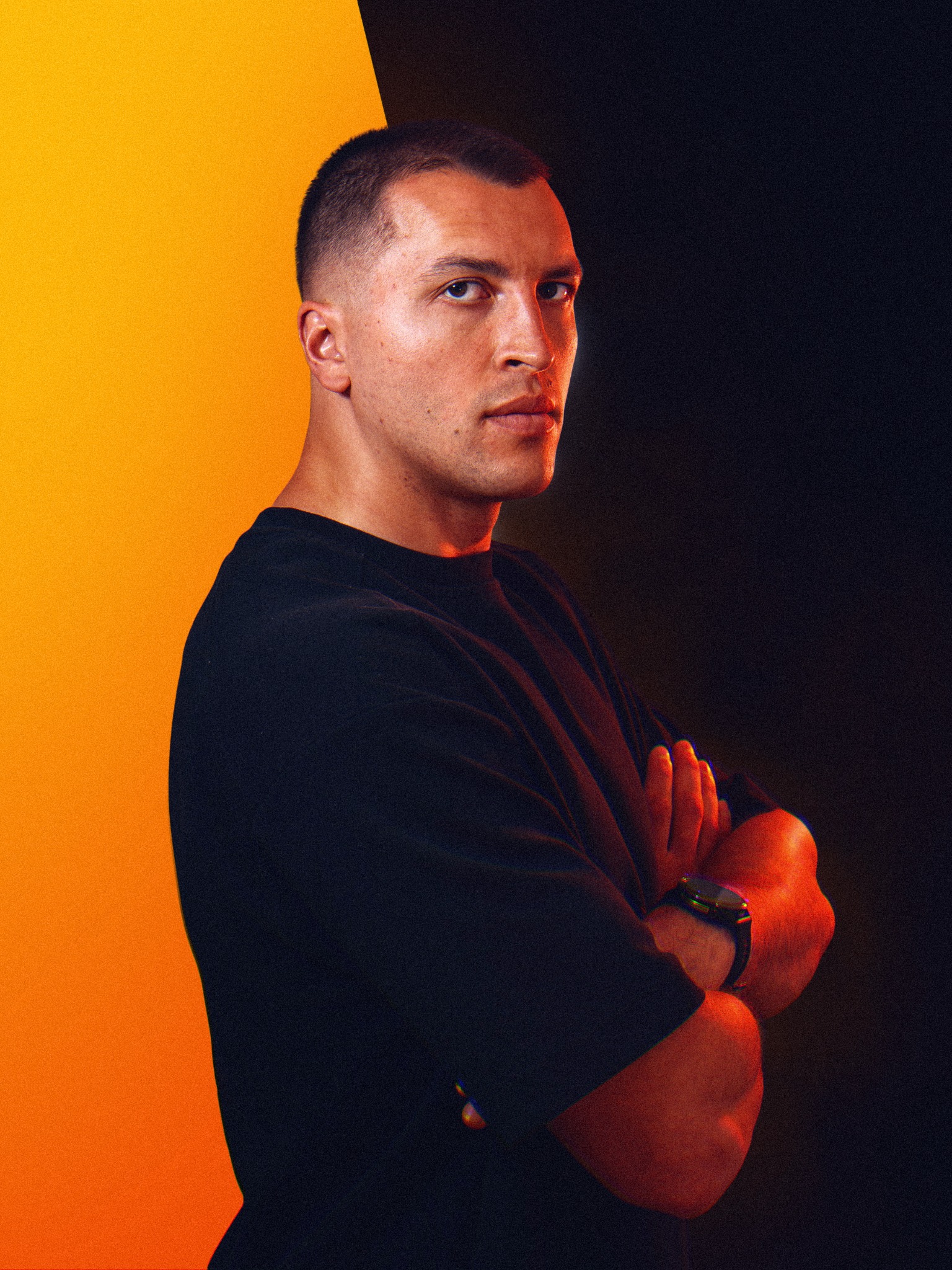 SLAVA / THE PERSON BEHIND THE WORK
06 / Meet your mentor
I create sports graphics and share the process behind my work.
This course brings that process into one place: creative choices, Photoshop techniques, and small details that make a design feel finished.
My goal is to help you understand what you’re doing and why, so you can use those skills to create work that stands out.
07 / Make your next move
From the first reference to your final export. One course to build your skills, revisit the techniques, and keep pushing your work forward.
All 16 sections together. Lifetime access.
Continue to PayPal checkout. Opens in a new tab.
A few things to know
The course is built for beginners with basic Photoshop knowledge and designers who want to develop their sports graphics further. You should already be comfortable with the basic Photoshop interface.
The lessons are taught in straightforward English with voice-over narration and do not include subtitles. I demonstrate each step clearly on screen and explain the details as I go, so you can follow the visual process even if your English is limited. You can also pause and revisit any part at your own pace.
Access is lifetime. Learn at your own pace and return to the lessons and practice files when you need them.
Yes. The course includes 44 PSD files across the technique chapters and complete projects, along with six PDF guides, Photoshop actions and five cut-out practice images. The files are provided for following along and practicing.
For individual sections, send me a DM on Instagram @slavagfx ↗. Tell me what you want to work on and we can discuss the sections that fit your goals.
You follow three complete designs in three styles, from finding photos and inspiration through the final details. Each walkthrough includes the PSD file and the materials used, so you can follow the same project yourself.